Barber Simulator Controls & Tools
Scissors, clippers, razors, camera habits, and drills for consistent three-star cuts.
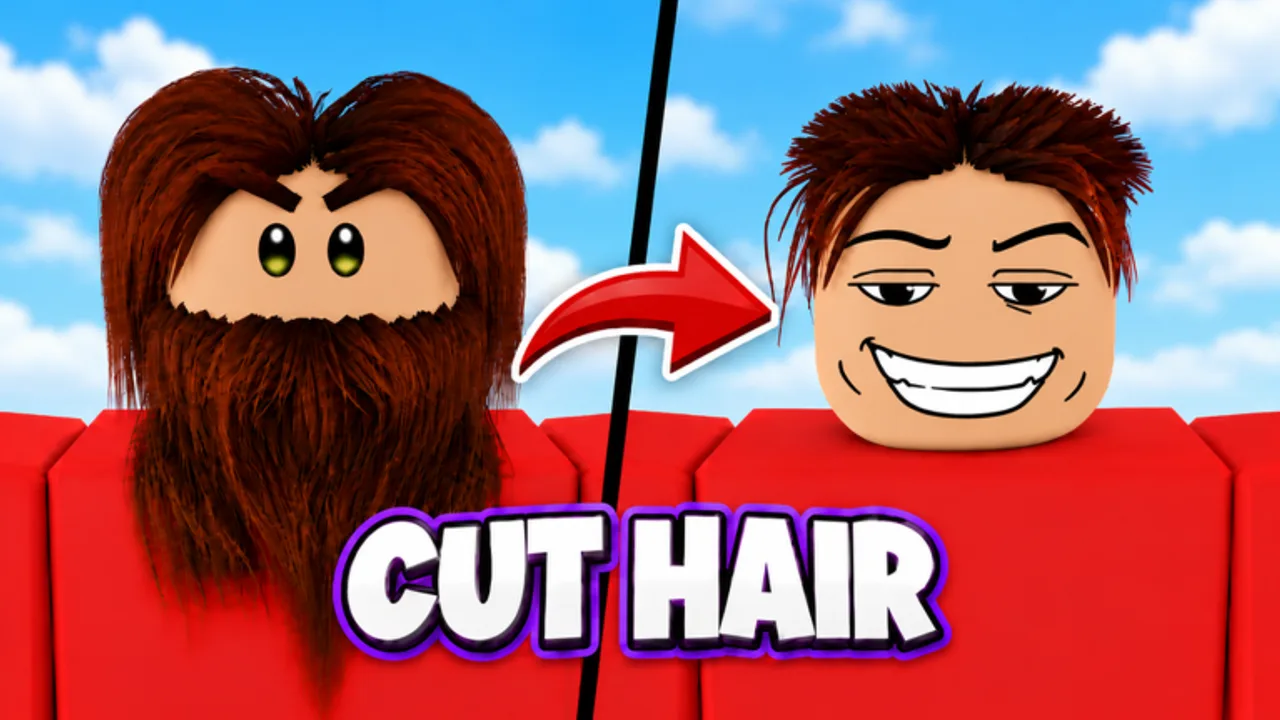
Barber Simulator is a hands-on Roblox hair game. Scissors, clippers, and razors reshape interactive hair while you match a customer photo. This controls guide covers the practical input habits that produce clean fades, buzz cuts, mohawks, mullets, and beards on PC and mobile.
Mindset before inputs
Every successful cut starts with the reference photo. Look at length zones, fade softness, and facial hair. Controls only express the plan you make in those first seconds. If you skip the photo, no sensitivity tweak will save the rating. Pair this page with Getting Started for the full early loop and Rainbow Star when you are ready for perfect-plus results.
Core tools
Scissors. Precision length and shape. Best for refining tops, fringes, and styles that need scissor-over-comb control. Use short snips near the target length.
Clippers. Bulk removal and fades. Make light passes; hover and re-enter rather than digging one deep trench that leaves a step.
Razors. Edges, necklines, cheek lines, and beard detail. High risk, high reward—steady camera before you commit.
You may also wash or dye when the photo demands it. Finish chemical or wash steps instead of stopping at silhouette alone; grading sees the whole look.
Camera and movement habits
- Orbit slowly so both sides of the head stay symmetric.
- Zoom for beard and hairline work; zoom out to check overall shape against the photo.
- Re-center if your character or tool arm clips into the chair.
- Keep the station clear—good furniture placement reduces camera fights.
On mobile, use deliberate thumb motions; tiny jitter becomes a visible nick on razors. On PC, stabilize your wrist for edge work and use quicker strokes only on clipper bulk passes.
Suggested cut flow
- Select the customer and study the photo.
- Remove bulk with clippers where the style is short.
- Shape the top with scissors.
- Blend the fade with careful clipper passes.
- Razor the edges and beard last.
- Compare to the photo, spot-fix, then complete.
This order protects you from razoring a zone that still needed length.
Platform tips
PC. Learn tool hotkeys or quick swaps from the on-screen palette until switching is automatic. A fast swap keeps fades smooth.
Mobile. Anchor the device; consider a quieter environment so you are not bumped mid-razor. Increase touch precision by zooming before detail work.
Performance. Lower graphics slightly if frame dips make aiming harder during Legendary VIP visits.
UI you will use constantly
- Photo / reference panel
- Tool selector
- Shop menus for furniture and hires (Hire Staff)
- Reward and quest panels for dailies
- Rebirth and skill tree entry points when you graduate from basics (Rebirth)
Do not bury yourself in menus during a live cut. Finish the client, then manage the shop.
Training drills
Fade lab. Ten customers, only fades, judge blend quality.
Beard lab. Focus razor lines until cheek symmetry feels natural.
Shape lab. Mohawks and mullets only, emphasizing contrast.
Speed lab. After accuracy exists, time three-star regulars without panicking.
Staff should cover other chairs during drills so the business does not stall—offline gains still need barbers running, per Offline Earnings.
Controls mistakes to avoid
- Clippers on a zone that needed scissor length
- Razor first, questions later
- Never checking the left/right balance
- Fighting the camera in a cluttered corner
- Ignoring mobile zoom on beard work
Multiplayer note
Servers hold up to six players. Friends give +10% cash each (max +40%). When others visit your shop, keep your camera disciplined so you do not swing into their characters mid-cut. Social cash is great; a ruined Legendary is not.
After controls feel natural
Push ratings with Rainbow Star, monetize skill via VIP customers, and scale the shop through Furniture and Hire Staff. When upgrades slow, plan a rebirth. All walkthroughs sit in the Guides hub; patch input changes will appear under Updates.
Master the tools slowly, then go fast. Barber Simulator rewards owners whose hands and photo reading stay calm under pressure—from the first buzz cut to a fully staffed flagship.
Frequently Asked Questions
Quick answers to the most common Barber Simulator questions.
Which tool should I use for fades?
Use clippers with light, repeated passes for the blend, then scissors or razor only for final shape and edges.
Why do my cuts look uneven?
Check both sides with the camera, work from the photo zones, and avoid deep single passes that leave steps.
Any tips for mobile players?
Zoom for beard and hairline work, brace the device, and slow razor strokes to reduce touch jitter.