Barber Simulator Updates & Patch Tracker
Launch timeline, November 2026 Roblox refresh, and what to re-check after every patch.
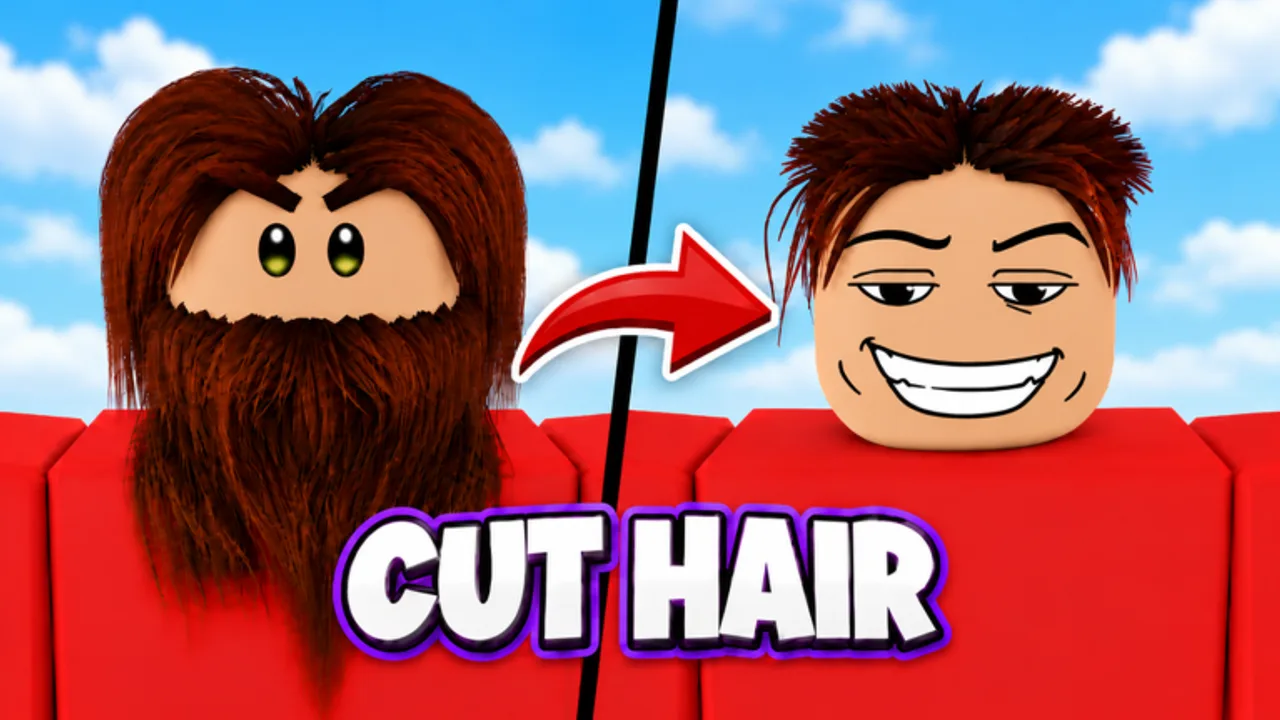
Track Barber Simulator patches, events, and balance shifts here. 67 Studio Games launched the experience on Roblox on 14 October 2026 (place 134026357772960). Because the title is new, expect frequent quality-of-life fixes, furniture drops, staff tweaks, and—eventually—code batches. This hub explains the launch snapshot, the 10 November 2026 Roblox refresh, how we log future updates, and which wiki pages to refresh after each patch. It is written as practical early-meta guidance—not a promise that every undocumented hotfix appears the same hour it ships.
Official destinations: Official Links (Roblox game page + 67 Studio Games group). Redeem new gifts on Codes. Re-rank spend with the Tier List Hub when balance moves.
Launch snapshot — 14 October 2026
At launch, Barber Simulator advertises a full barber-empire loop:
- Interactive hair with scissors, clippers, razors, and more.
- Styles including fades, buzz cuts, mohawks, mullets, and beards.
- Photo matching for star ratings, including the secret Rainbow Star chase.
- Rare, Epic, and Legendary VIP customers with higher pay and harder styles.
- 90+ furniture pieces and expansion toward a 12-chair flagship.
- Hireable barbers, cleaners, receptionists, and waiters.
- Offline earnings from hired barbers.
- Skill tree, rebirths, pets, and outfits.
- Daily rewards and quests.
- Like + join 67 Studio Games for exclusive furniture.
- Friend cash bonus +10% per friend in your server (up to +40%).
- Server size 6.
If you are brand new after launch week, start with Getting Started, then Controls, hire staff, furniture, offline earnings, VIP customers, Rainbow Star, rebirth, skill tree, pets, make money, daily rewards, and outfits.
Roblox refresh — 10 November 2026
On 10 November 2026, Roblox showed a fresh update timestamp for Barber Simulator. Honest status at that checkpoint:
- The experience title still included the [UPDATE] tag.
- Public visits had crossed roughly 1 million (about 1.04M), with roughly 7.1K favorites and an about 88% like rating on the game page snapshot used for this wiki.
- No detailed public patch notes were published by 67 Studio Games for that refresh—no official changelog listing new furniture SKUs, wage retunes, or code drops.
- Player checklist below stays the same: verify in-game systems yourself, redeem only confirmed codes, and do not invent balance numbers from rumor.
Treat the November 10 bump as a live-ops heartbeat, not a named content expansion, until the developers post concrete notes on the game description, group wall, or in-game notices.
What to watch in every patch
When 67 Studio Games ships an update, scan for these buckets and jump to the matching wiki page:
- Codes / free gifts — new strings, expiry, rewards → Codes Hub. None publicly verified yet; ignore lists copied from other barber games.
- Furniture packs — new chairs, decor, group exclusives → furniture guide, furniture tier list.
- Staff / wages / offline — hire costs, barber offline rates → hire staff, staff tier list, offline earnings.
- Pets / outfits / skill tree / rebirth — new eggs, multipliers, rebirth requirements → pets, pets tier list, outfits, skill tree, rebirth.
- VIP / scoring — rarity weights, style difficulty, Rainbow Star rules → Players / VIP hub, VIP guide, Rainbow Star.
- QoL / controls / bugs — prompt changes, pathing, UI → Controls, Guides Hub.
- Safety tooling chatter — ignore shady executors; read Scripts only for risk context.
How this wiki will log updates
Future major patches can get their own child pages under updates/ with date, summary, and links to changed systems. Until those pages exist, use this hub as the checklist and verify details on:
- The Roblox game description and shout messages.
- The 67 Studio Games group wall and related community posts (no invented Discord invite here—if a Discord appears officially, it will be added on Official Links after confirmation).
- In-game mail, billboards, or code UI.
We will not invent patch titles, fake version numbers, or undocumented Robux sales. If a change is unconfirmed, it stays out of the log. Quiet Roblox timestamp bumps (like 10 November 2026) are noted here with visit context when useful, without pretending a full changelog exists.
Post-patch player checklist
After you notice a live update:
- Favorite the experience so Roblox surfaces revisit prompts.
- Read the game description diff and group wall.
- Redeem any new codes on Codes.
- Test one normal cut and one VIP attempt if scoring changed.
- Recheck offline earnings after a short AFK if barbers were touched.
- Revisit tier lists before big furniture or pet spends.
- Adjust rebirth and skill-tree timing if requirements or multipliers moved.
- Claim daily rewards so you do not miss free progress after a restart.
- Report broken wiki facts by comparing to
content/facts.jsonon the project side (editors): release date, co-op online, friend bonus, twelve-chair goal, visit snapshot.
Early-meta expectations (honest)
Launch months often bring:
- Rapid code drops for engagement (none verified publicly yet).
- Furniture and pet catalog growth.
- Softening or tightening of rebirth gates and skill-node costs.
- VIP spawn or pay retunes.
- Pathing and cleaner AI fixes that silently change staff value.
- Quiet Roblox updates that leave the [UPDATE] tag in place while visits climb past 1M.
That is why every tier page on this wiki is labeled early-meta. An S-tier barber hire on launch week should remain conceptually strong, but wage numbers and side grades can slide. Prefer design logic—capacity, offline barbers, VIP readiness, then cosmetics—over frozen rumor sheets. For a full cash stack, see Make Money.
Related planning links
- Tier List Hub — pets, furniture, staff priorities.
- VIP Customers Hub — Rare / Epic / Legendary roster thinking.
- Guides Hub — full how-to set including pets, skill tree, money, dailies, and outfits.
- Official Links — Roblox play URL and group.
- Scripts Hub — safety notes only; never required for legitimate play.
Staying current without burnout
You do not need to live in patch notes. A healthy loop is: play a focused session, claim dailies, check codes weekly, skim the group wall when you see a version bump, then update your personal buy order. Use friend bonus sessions when you want a cash spike, keep barbers hired for offline ticks, and treat Legendary VIPs as bosses rather than background noise.
When a major named update lands (new map furniture wing, pet system expansion, seasonal event), this hub will point to a dedicated patch page. Until then, the launch feature set above is your baseline, the 10 November 2026 note records the ~1M-visit [UPDATE] checkpoint without invented patch notes, and the checklist tells you exactly which wiki corners to refresh. Play fair, verify on official Roblox surfaces, and let the shop grow chair by chair toward the twelve-seat flagship.
Frequently Asked Questions
Quick answers to the most common Barber Simulator questions.
When did Barber Simulator launch?
Barber Simulator by 67 Studio Games launched on Roblox on 14 October 2026. Use that date as the baseline when reading early-meta guides on this wiki.
What changed on 10 November 2026?
Roblox showed an update timestamp that day. The title still used the [UPDATE] tag, visits were around 1.04M, and no detailed public patch notes were published. Use the post-patch checklist rather than assuming a named content drop.
Where should I look for patch news?
Check the Roblox game page description, in-game notices, and the 67 Studio Games group wall. Confirmed official links are collected on the Official Links page. We do not invent Discord invites.
What should I do after a new update?
Redeem new codes if any appear, test scoring and offline earnings if those systems changed, then revisit tier lists and guides before big spends on pets, furniture, or staff.
Will every hotfix get its own wiki page?
Major patches can receive child pages under Updates. Small hotfixes or quiet Roblox timestamp bumps may only appear as checklist notes here until enough changes pile up.