Getting Started in Barber Simulator
First session checklist: tools, three-star cuts, chairs, staff goals, and smart early spending.
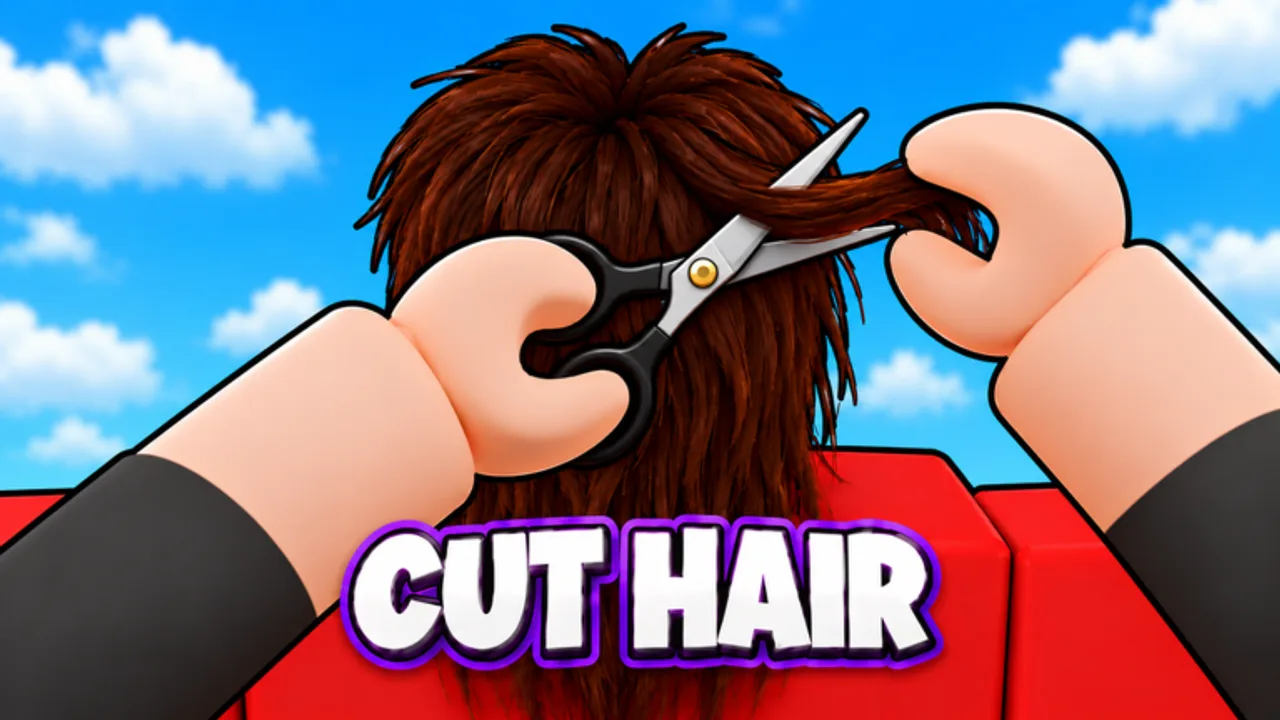
Welcome to Barber Simulator on Roblox. You own a small shop, a handful of tools, and a line of customers who expect fades, buzz cuts, mohawks, mullets, and clean beards. This guide gets you from first login to a stable early shop without wasting cash on the wrong upgrades.
Join and claim early rewards
Open Barber Simulator from Roblox (place tied to universe 10770932189). Servers hold up to six players. Before you cut anyone, check daily rewards and any starter quests on screen. Favoriting the experience helps you catch updates, and liking the game plus joining the 67 Studio Games group unlocks exclusive furniture later—do both once you have a free moment. If friends are online, invite them: each friend in your server adds +10% cash, capping at +40%.
Redeem any live promos from the Codes page as soon as you can. Early cash shortens the grind to your second chair and first hire.
Understand the hair tools
Barber Simulator uses interactive hair, not a single auto-cut button. You will swap between scissors, clippers, razors, and related tools to shape length, blend fades, and tidy beards. Study the customer’s photo before you touch hair. The photo is the contract: match silhouette, length zones, and facial hair, then finish clean. Full input details live in Controls; skim that page if mouse aim or mobile touch feels awkward.
Aim for three stars on every early client. Three stars train your eye and fund upgrades. Once three-star cuts feel routine, read the rainbow star guide so you know what “perfect-plus” looks like.
First-hour priority list
- Complete the onboarding prompts so tool switching and photo UI are clear.
- Land solid three-star cuts on ordinary customers before chasing VIP drama.
- Spend early cash on throughput: another chair, waiting seats, or basic décor from the furniture shop rather than vanity skins you barely see.
- Unlock the path to hire help. Even one cleaner or junior barber frees you to focus on hard styles. Details are in Hire Staff.
- Claim daily rewards and finish easy quests for free cash and XP toward the skill tree.
Photo matching habits that stick
Pause on the reference image. Mentally split the head into top, sides, nape, and beard. Decide which tool owns each zone. Clippers handle bulk and fades; scissors refine shape; razors clean edges and beards. Work from long to short so you do not overcut. If the photo shows a soft blend, take smaller passes instead of one aggressive swipe. Consistency beats speed until your hands know the styles.
Messy shops slow you down. Keep floors clear and chairs ready so the next customer sits immediately. Cleaners help here once hired.
When to expand vs. when to save
Expand seating when customers wait visibly or leave before you finish. Save for a hire when you are the bottleneck—too many chairs with only you cutting wastes space. Furniture that improves flow (waiting area, clearer lanes to chairs) pays better than pure cosmetics early. Exclusive group furniture is free prestige once claimed; place it where players notice without blocking paths.
Offline and rebirth foresight
You do not need to rebirth on day one. Build a shop that can earn while you sleep first. Hire enough barbers that offline earnings feel meaningful, then revisit prestige timing in the rebirth guide. Skill tree nodes that boost cut speed, tip chance, or offline storage are usually safer early spends than luxury outfits.
VIP awareness without rushing
VIP customers (Rare, Epic, Legendary) appear as your shop improves. Treat them as bonus payday, not a reason to ignore regulars. A Legendary who leaves angry because you rushed a mullet costs more than the tip you hoped for. Keep three-star discipline; VIP payouts scale with quality.
Session checklist
- Daily reward claimed
- Codes redeemed
- Group liked/joined if not done
- Friends invited for the cash bonus
- At least one throughput upgrade purchased
- Staff hire planned or completed
- Offline claim checked after any long break
What to read next
After your first solid session, deepen mechanics with Controls, then Furniture and Hire Staff. When cash feels sticky, move to Offline Earnings and Rebirth. Rank gear and helpers with the tier list hubs. Track patches on Updates and bookmark this Guides hub for the full set.
Stay patient on day one. Clean three-star habits, smart chairs, and one good hire beat flashy spending. That foundation carries you to twelve chairs, stacked staff, and rebirth multipliers without restarting from bad habits.
Frequently Asked Questions
Quick answers to the most common Barber Simulator questions.
What should I buy first in Barber Simulator?
Prioritize throughput: extra chairs or waiting seats and the path to your first hire. Delay pure cosmetics until cuts and cash flow feel stable.
How do I get exclusive furniture for free?
Like the game and join the 67 Studio Games group, then claim the exclusive furniture reward in-game.
Does playing with friends help early on?
Yes. Each friend in your server grants +10% cash, up to +40%, which speeds early chairs and wages.
When should a new player rebirth?
Not on day one. Build staff and offline earnings first, then read the Rebirth guide for timing.